

HAVIT WIRELESS CHARGER 15W (ALARM-CLOCK-SPEAKER-AIR THERMOMETER) W3041 BLACK
€34.99 (ex. VAT)
- Brand: HAVIT
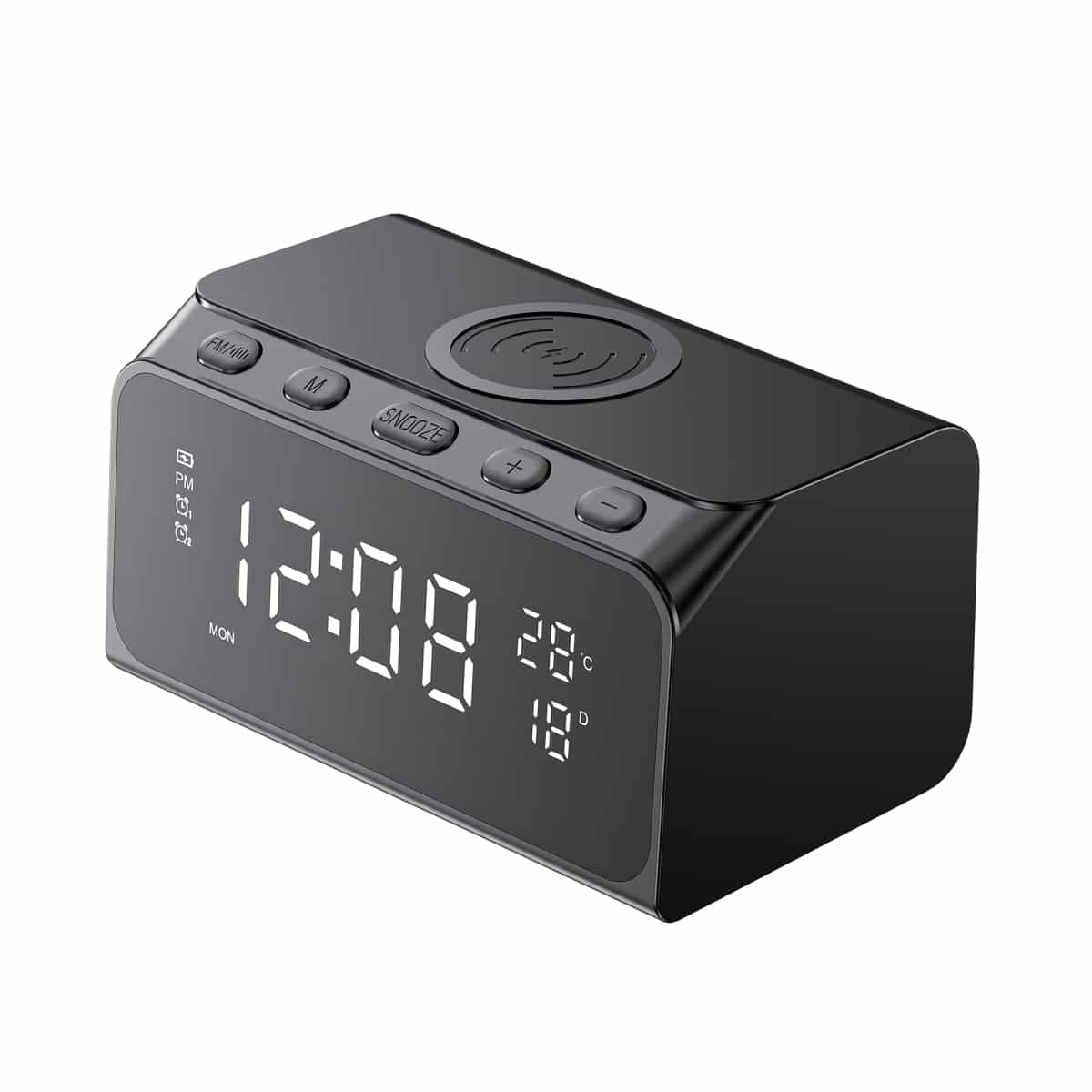
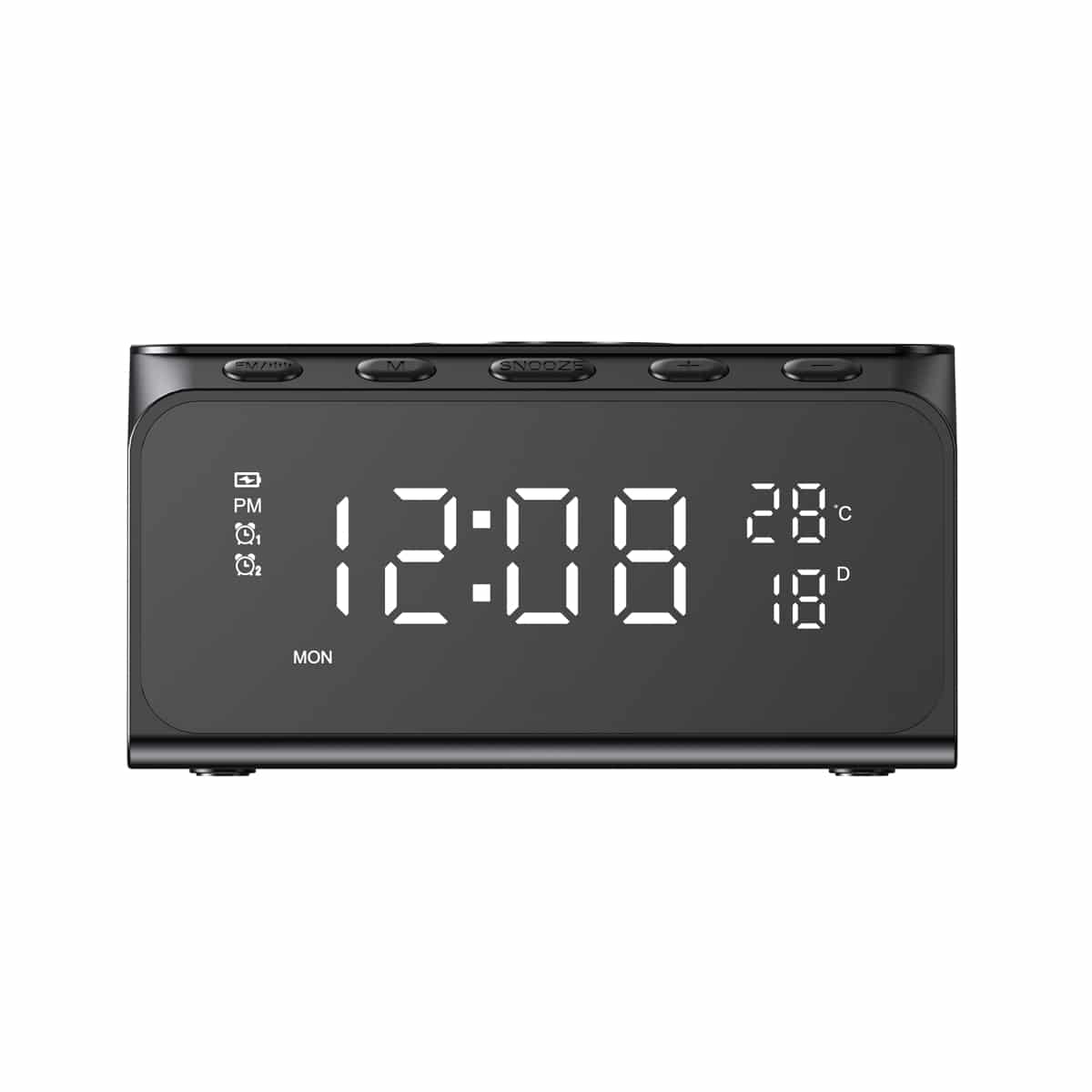
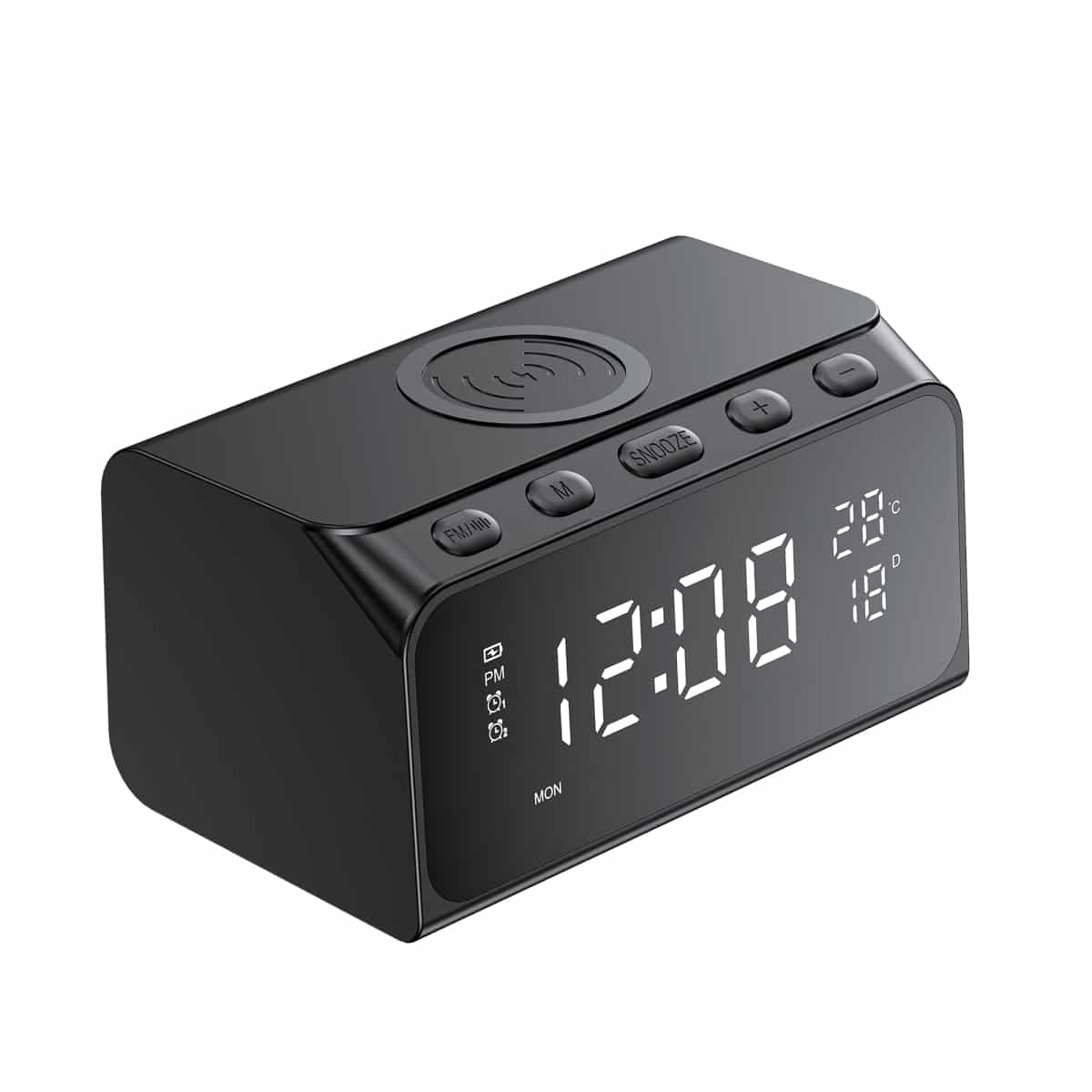
Wireless charger 6in1 HAVIT W3041 15W Black has the appearance of a desk clock. Output power (15W) is compatible with 10W, 7.5W, 5W. Equipped with an LED screen, the device not only performs the charging function, but also shows the date, time, air temperature. In addition, charging can be used as an alarm clock. The device has 5 brightness levels and charges quickly. The kit with the wireless charger includes a USB-C to USB-C charging cable, user manual and warranty card.
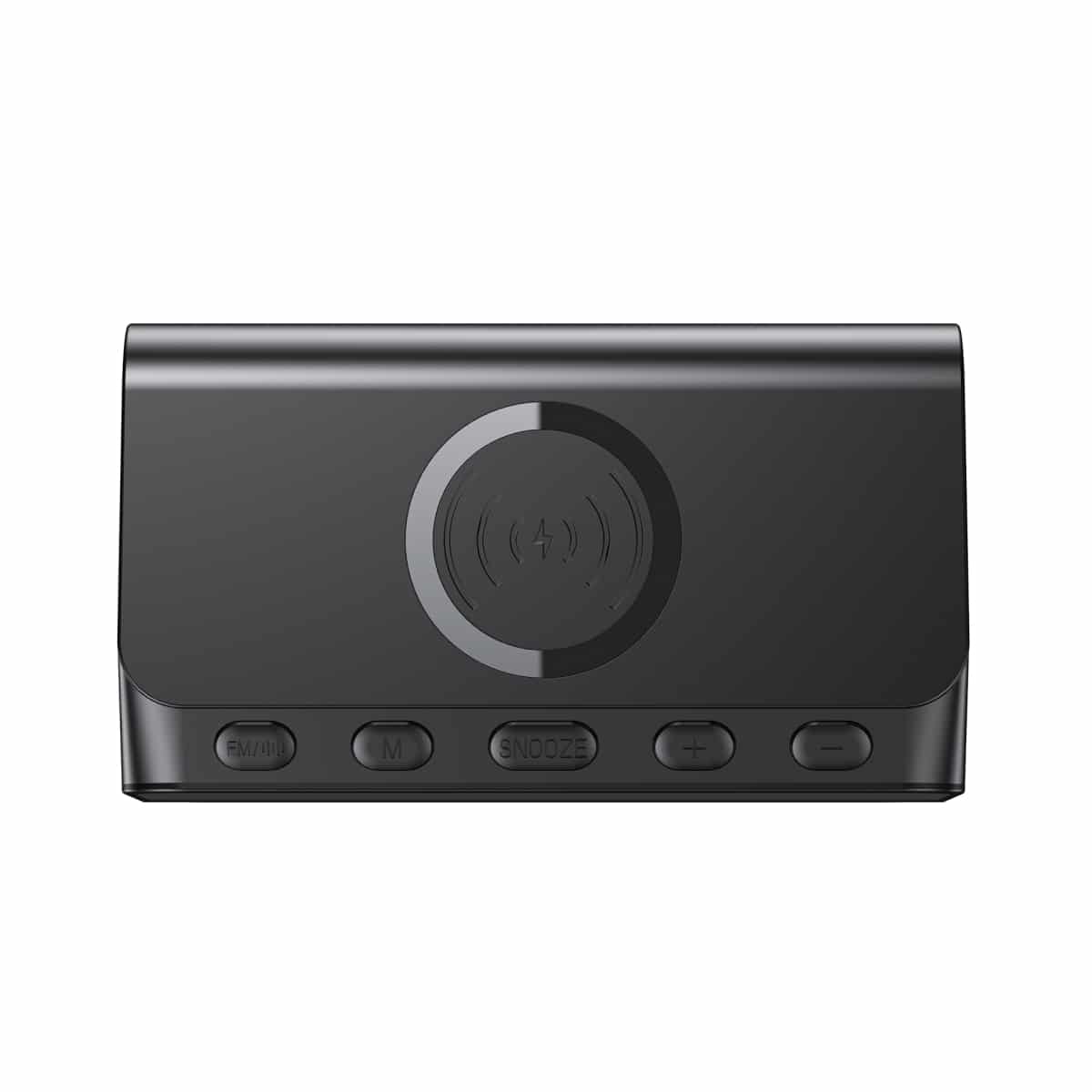
There is a special place on the wireless charger where you need to put the phone for charging (see the instructions). Also on the device, using the “SNOOZE” button, you can activate the function of postponing the alarm signal for a short period of time before re-triggering, which is very convenient for people who cannot wake up from the alarm the first time. Another feature of the product is the presence of a function of remembering the clock settings.
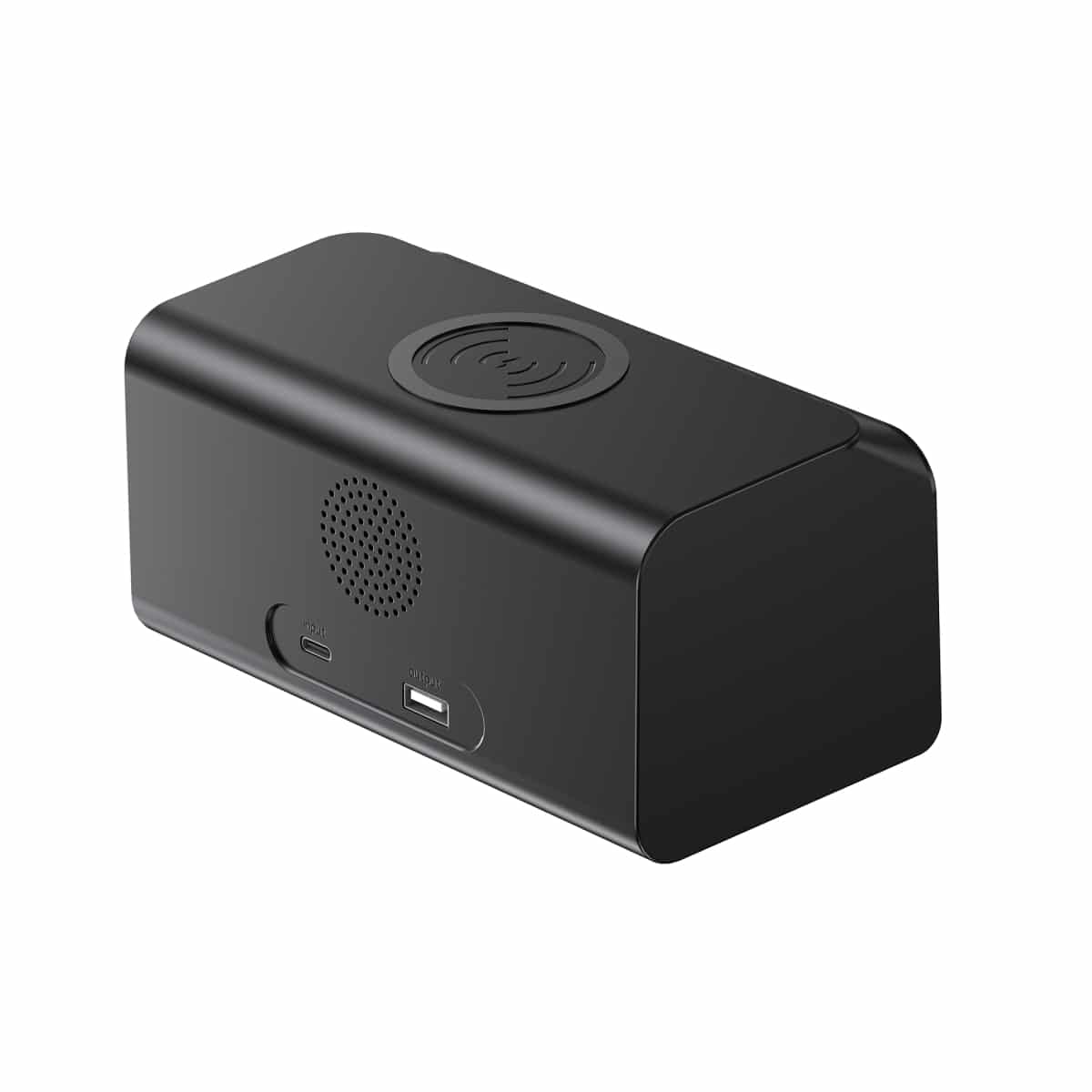
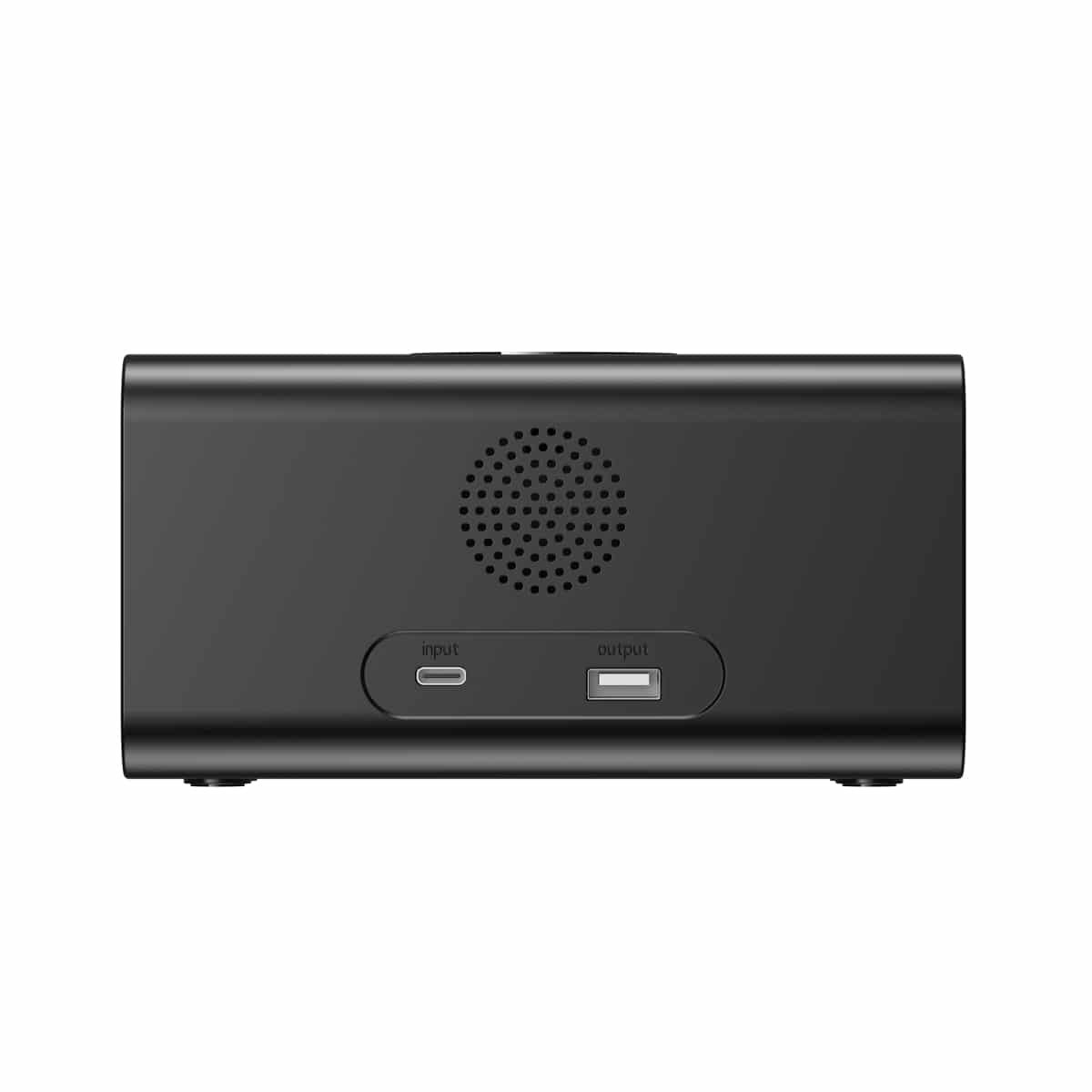
To enter wireless charging into normal operating mode, insert one end of the cable that comes with the kit into the power connector and the other end into the device.
Wireless charging status indicator (located in the upper left corner of the screen)
– Device is on: the indicator flashes 2 times, then turns off and enters standby mode.
– Standby mode: the indicator does not flash.
– Wireless charging mode: constantly lit.
– Device is fully charged: the indicator turns off (some versions of the iPhone do not support this feature).
– Foreign object detected: continuously flashes.
1. Time setting:
1.1. Press the “M” button to set the 12-hour format. Press a second time to set the 24-hour format. When setting the 12-hour format, “PM” will appear on the screen after 12:00.
1.2. To enter the hour setting mode, short press the “M” button once. To adjust the hour value, short press the “+/-” button. Press and hold “+/-” until the desired hour is set.
1.3. After setting the correct hour, short press the “M” button to enter the minute setting mode. Short press the “+/-” button once to set the minutes. Press and hold “+/-” until the desired number of minutes is set.
1.4. After setting the minutes, short press the “M” button to exit the time setting mode.
2. Alarm setting:
2.1. Press and hold the “+” button to turn on/off Alarm clock 1, and press and hold the “-” button to turn on/off Alarm clock 2. After the alarm clock turns on, the corresponding indicator will light up.
2.2. After the alarm clock turns on, press and hold the “M” button. This will enter the desired alarm hour setting mode. Short press the “+/-” button 1 time to set the desired hour. Press and hold the “+/-” button for further setting.
2.3. After setting the correct hour, short press the “M” button to enter the minute setting mode. Short press the “+/-” button once to set the minutes. Press and hold the “+/-” button until the desired number of minutes is set.
2.4. After setting the minutes, press the “M” button briefly to exit the time setting mode.
2.5. The alarm will automatically turn off after 3 minutes if no action is taken.
2.6. After the alarm has gone off, press any button to enter the snooze mode. It will then go back on after 5 minutes. In the SNOOZE mode, the alarm indicator will flash. When the alarm is in the SNOOZE mode or ringing, press and hold the SNOOZE button to turn it off.
3. Brightness adjustment:
There are 5 modes of screen brightness adjustment, which can be changed by pressing the “+” and “-” buttons. After turning on the wireless charging, the highest brightness level is set by default. Increase the brightness level by 1 level by pressing the button 1 time. Press “-” one last time to turn off the screen backlight.
4. Date, temperature setting:
4.1. Short press the “SNOOZE” button to query Year + month + day, and you will automatically exit the mode after 5S is displayed on the screen.
4.2. Press and hold the “SNOOZE” button to enter the year, month, day setting mode. After entering this mode, short press the “SNOOZE” button to switch and set Years (not displayed in standby mode) > Month > Day. Press “+/-” once to set. Press and hold “+/-” until you set the required data.
4.3. Double click the “SNOOZE” button to set the temperature (Fahrenheit, Celsius) and date in the upper right corner of the screen.
5. Wireless Speaker Settings
5.1. To turn on the wireless speaker function, press and hold the “BT” button. You will hear a sound prompt and “BL” will be displayed on the screen. Then, open the settings panel on your phone, turn on Bluetooth, and search for “W3041”. You can use wireless charging after you hear a “click” sound and the connection is established. You can turn off the wireless speaker function by short pressing the “BT” button.
5.2. Short press the “+/-” button to select between the previous or next song, and press and hold the “+/-” button to adjust the volume level.
5.3. Short press the “M” button to stop playback. Press the “M” button again to resume playback.
6. Memory function:
After the wireless charging power is cut off, the internal battery button can be used to remember the watch settings, so that the watch does not need to be re-set after the power is connected.
Caution:
– Do not disassemble this product.
– Do not keep the product near fire sources and avoid places with high humidity.
– Do not keep the product near magnetic cards with magnetic stripe or chip (ID card, bank card, etc.) to prevent their malfunction.
– Keep the product >20cm away from implanted medical equipment (pacemaker, cochlear implant, etc.) to avoid interfering with their operation.
ATTENTION! If you need the alarm clock, wireless charging, and speaker, USB-A output to work simultaneously, be sure to use a power adapter with a power of more than PD30W. Otherwise, some functions of the device may not work correctly due to excessive load and insufficient power supply.